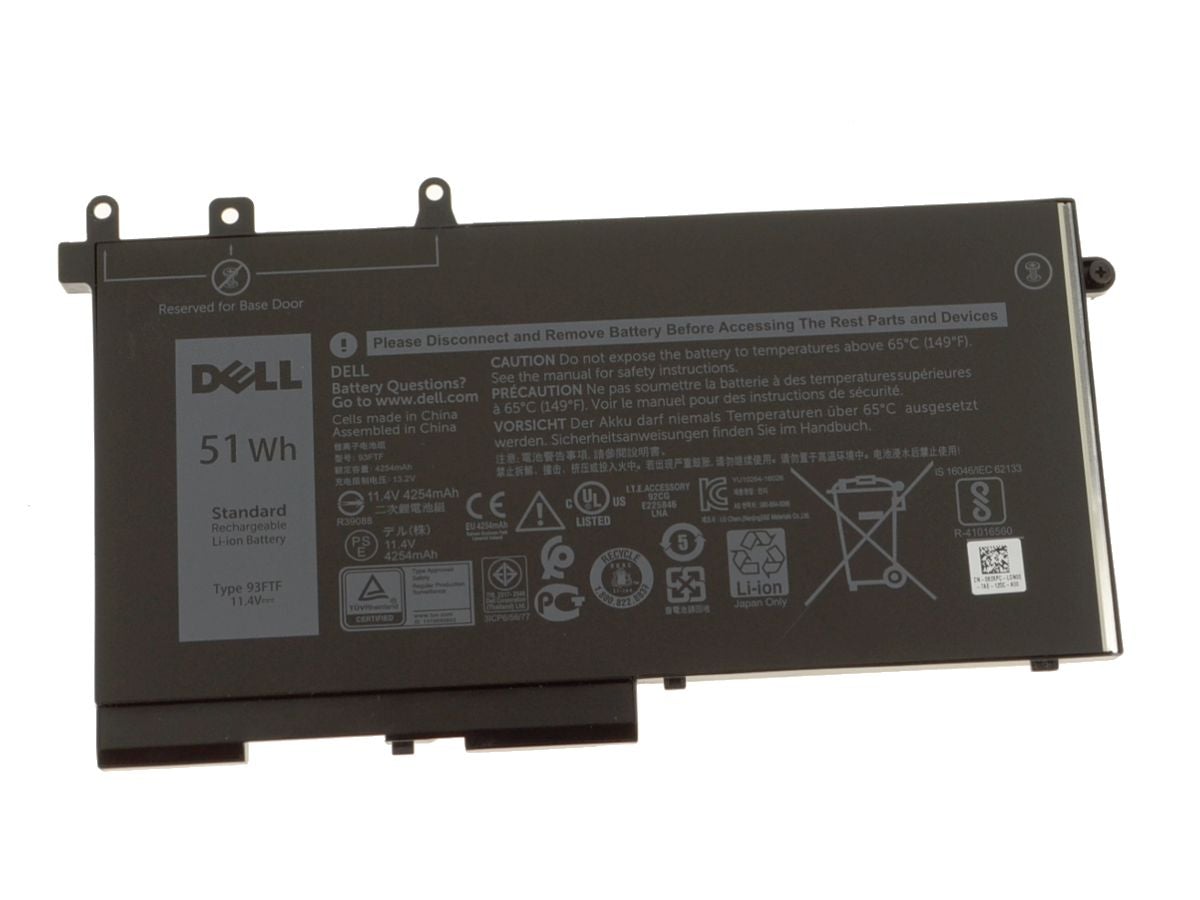
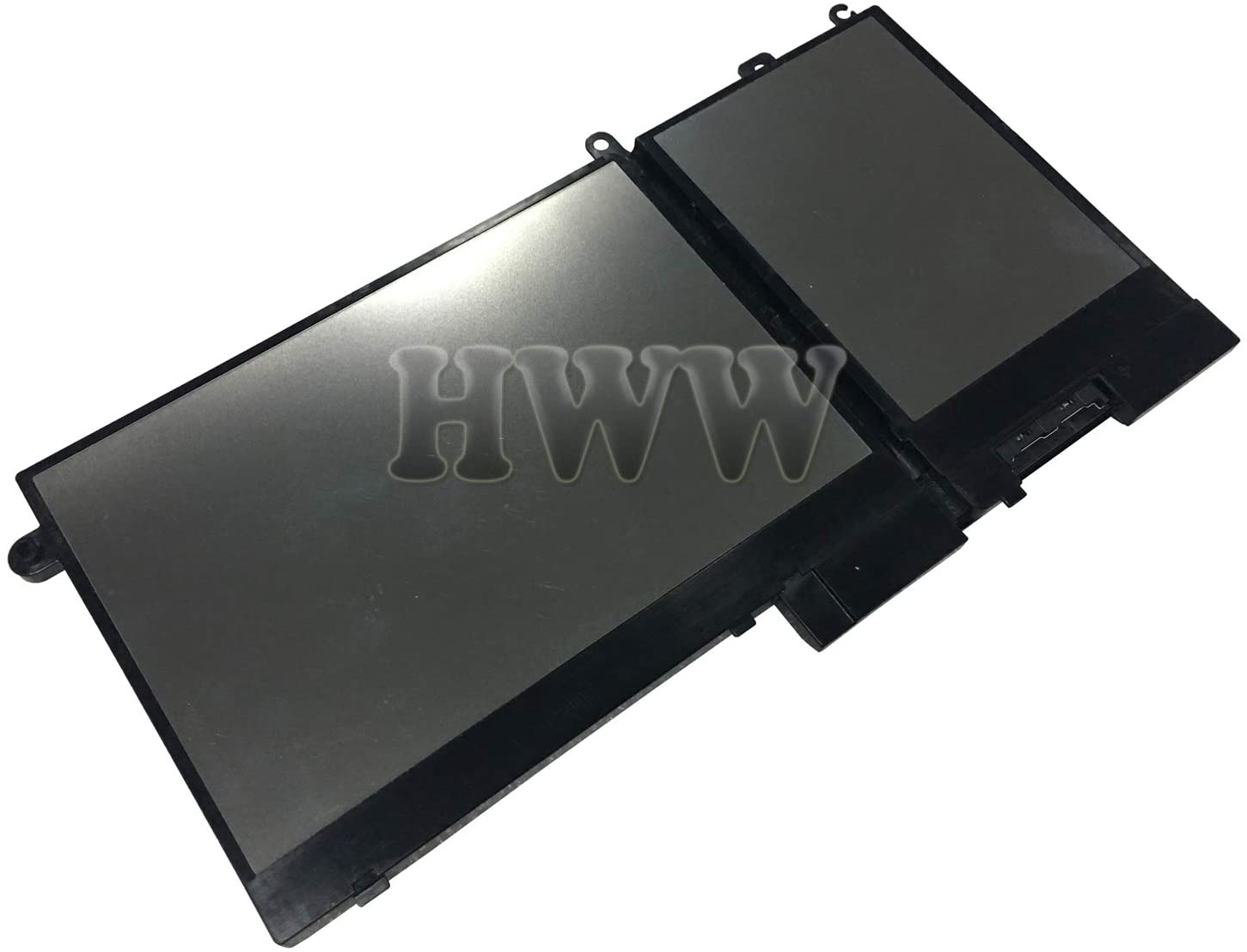
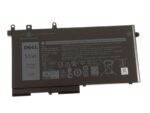
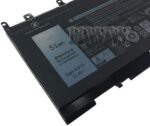
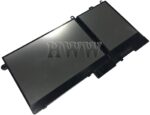
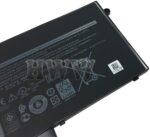
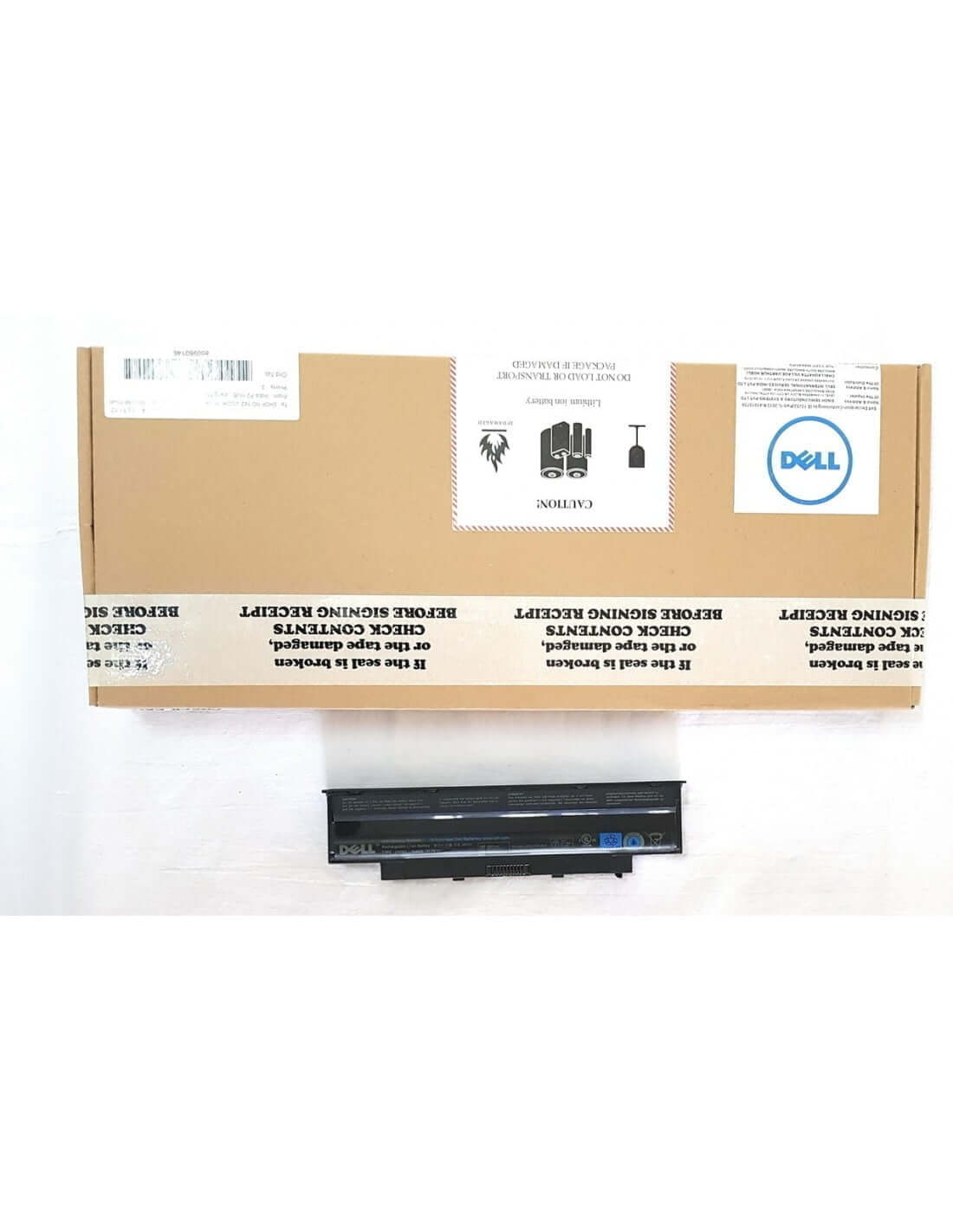
Breathe new life into your Dell Latitude laptop and reclaim your freedom from the power outlet. Is a dwindling battery life keeping you tethered to your desk? The JIAZIJIA 93FTF Replacement Battery is the ultimate solution, engineered to restore your laptop's mobility and performance. This high-capacity 51Wh power source is designed as a direct, reliable replacement for your original Dell battery, offering a seamless fit and dependable power so you can work, study, or stream from anywhere, anytime.
Key Features
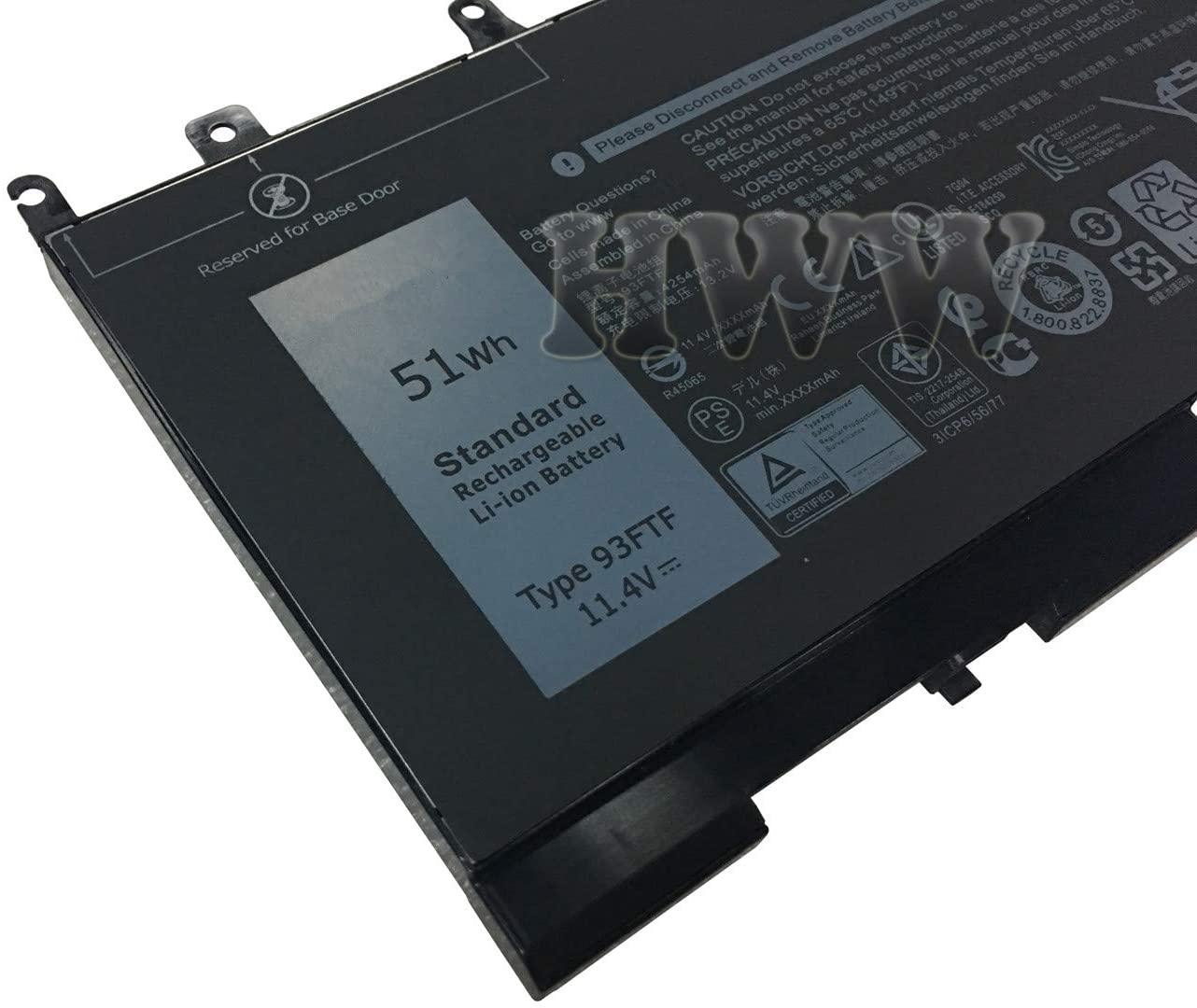
- High-Performance Capacity: Equipped with a robust 51Wh capacity and 11.4V output, this battery delivers long-lasting power to keep you productive through demanding tasks and extended work sessions.
- Premium Grade A Cells: Constructed with superior Grade A lithium-ion cells that ensure faster charging, lower power consumption, and a significantly longer lifespan with up to 500 recharge cycles.
- Precision Compatibility: Expertly engineered to be 100% compatible with a wide range of Dell Latitude and Precision models, serving as a perfect replacement for original part numbers GJKNX, D4CMT, and 83XPC.
- Advanced Safety Protocols: Your safety is paramount. The battery features an integrated smart control chip that provides comprehensive protection against overcharging, over-discharging, over-current, and short-circuiting.
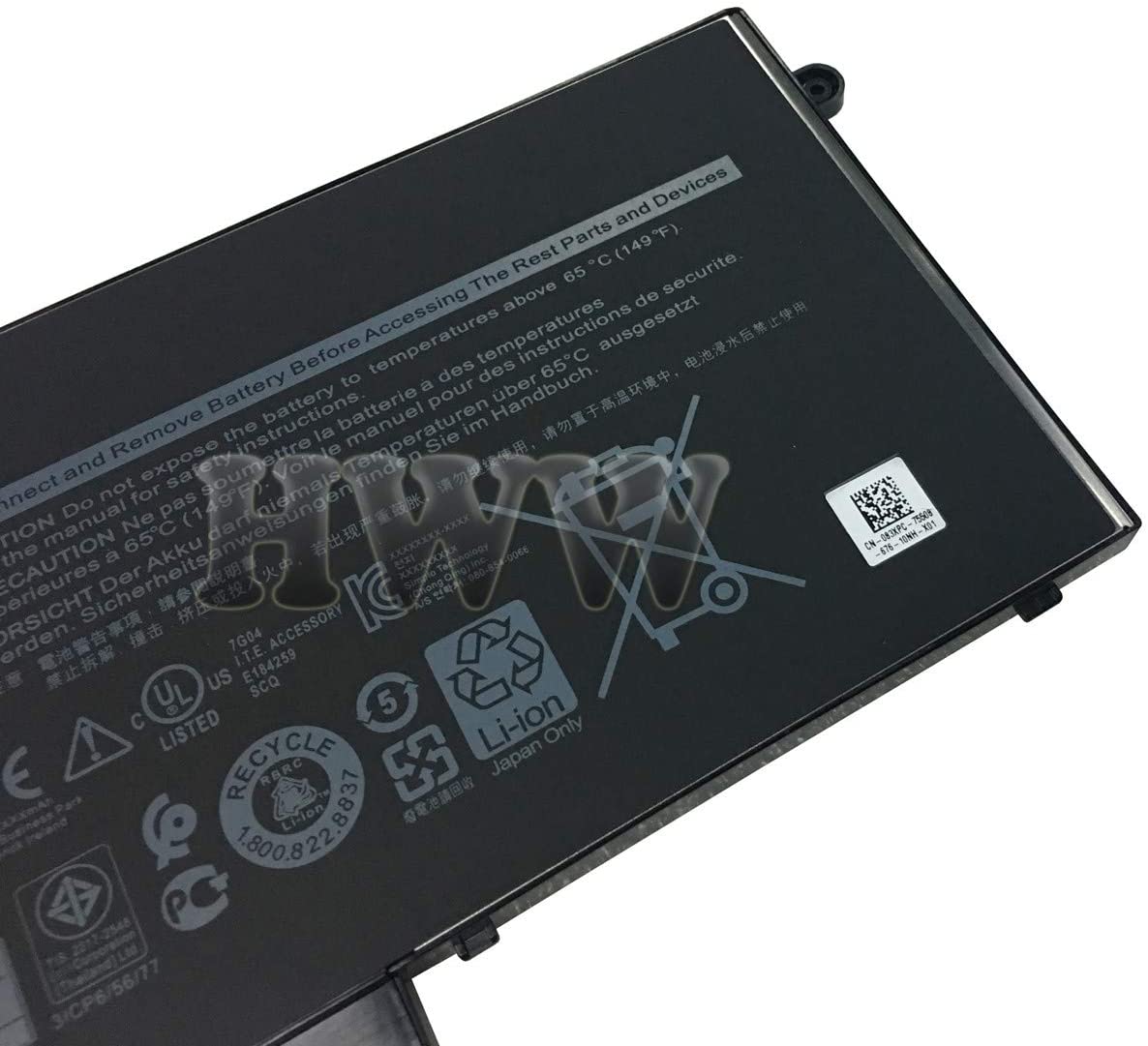
- Certified for Reliability: Each battery undergoes rigorous testing to meet and exceed OEM specifications, ensuring optimal performance and durability. CE, FCC, and RoHS certifications guarantee quality and safety.
- Hassle-Free Installation: Designed for a perfect fit, this battery installs easily into your laptop's battery compartment without the need for any modifications, getting you back up and running in minutes.
- Peace of Mind Warranty: Comes with a 6-month comprehensive warranty, providing you with confidence and support for your purchase.
Benefits and Usage
Rediscover true portability and unleash your productivity. With the JIAZIJIA 93FTF battery, you are no longer a prisoner to the wall socket. Power through back-to-back meetings, long lectures, or cross-country flights without the constant anxiety of a dying battery. This replacement unit restores your Dell Latitude to its original untethered glory, empowering you to work from a coffee shop, the park, or your couch with equal confidence.
This is more than just a replacement; it's an upgrade to your workflow. The stable 11.4V power delivery and 51Wh capacity ensure your laptop performs consistently, even when running power-hungry applications. Avoid unexpected shutdowns during critical moments and enjoy a smooth, uninterrupted computing experience. It is the perfect, cost-effective solution for professionals, students, and anyone who relies on their laptop throughout the day.
Investing in a new battery is a smart and sustainable choice. Instead of spending a fortune on a brand-new laptop, you can extend the life of your trusted Dell Latitude for a fraction of the cost. The installation process is simple and user-friendly, allowing you to perform the replacement yourself and get your machine running like new in no time.
Full Compatibility Details
Compatible Dell Laptop Models
Dell Latitude 12 5000 Series: 5280, 5290
Dell Latitude 14 5000 Series: 5480, 5490, 5491, 5495
Dell Latitude 15 5000 Series: 5580, 5590, 5591
Dell Precision 15 3000 Series: 3520, 3530
Compatible Part Numbers (This battery replaces the following original part numbers):
GJKNX
83XPC
D4CMT
0GJKNX
083XPC
0D4CMT
GD1JP
0GD1JP
DY9NT
0DY9NT
5YHR4
451-BBYE
451-BBZG
451-BBYF
Product Specifications and Care
Technical Specifications
Brand: JIAZIJIA
Model: 93FTF
Battery Type: Lithium-Ion (Li-ion)
Voltage: 11.4V
Capacity: 51Wh
Number of Cells: 3
Condition: Brand New, Certified Replacement
Warranty: 6 Months
Care and Maintenance Instructions
To maximize the life and performance of your new battery, we recommend the following:
- Initial Calibration: Upon first use, fully charge the battery to 100%, then let it discharge completely to around 5-10%, and then recharge it fully again. This helps calibrate the power gauge.
- Avoid Extreme Temperatures: Do not expose the battery to extreme heat or cold. Store and use your laptop in moderate temperature environments.
- Optimize Power Settings: Use your laptop's power-saving modes to reduce battery consumption when performing light tasks.
- Long-Term Storage: If you do not plan to use the laptop for more than a month, discharge the battery to about 50% and remove it from the device for storage in a cool, dry place.



 Pick up from the Store
 Free Courier delivery
 BlueDot Air Courier delivery

 10 Days Easy Returns window.
 Free Exchange.

Reviews
Clear filtersThere are no reviews yet.