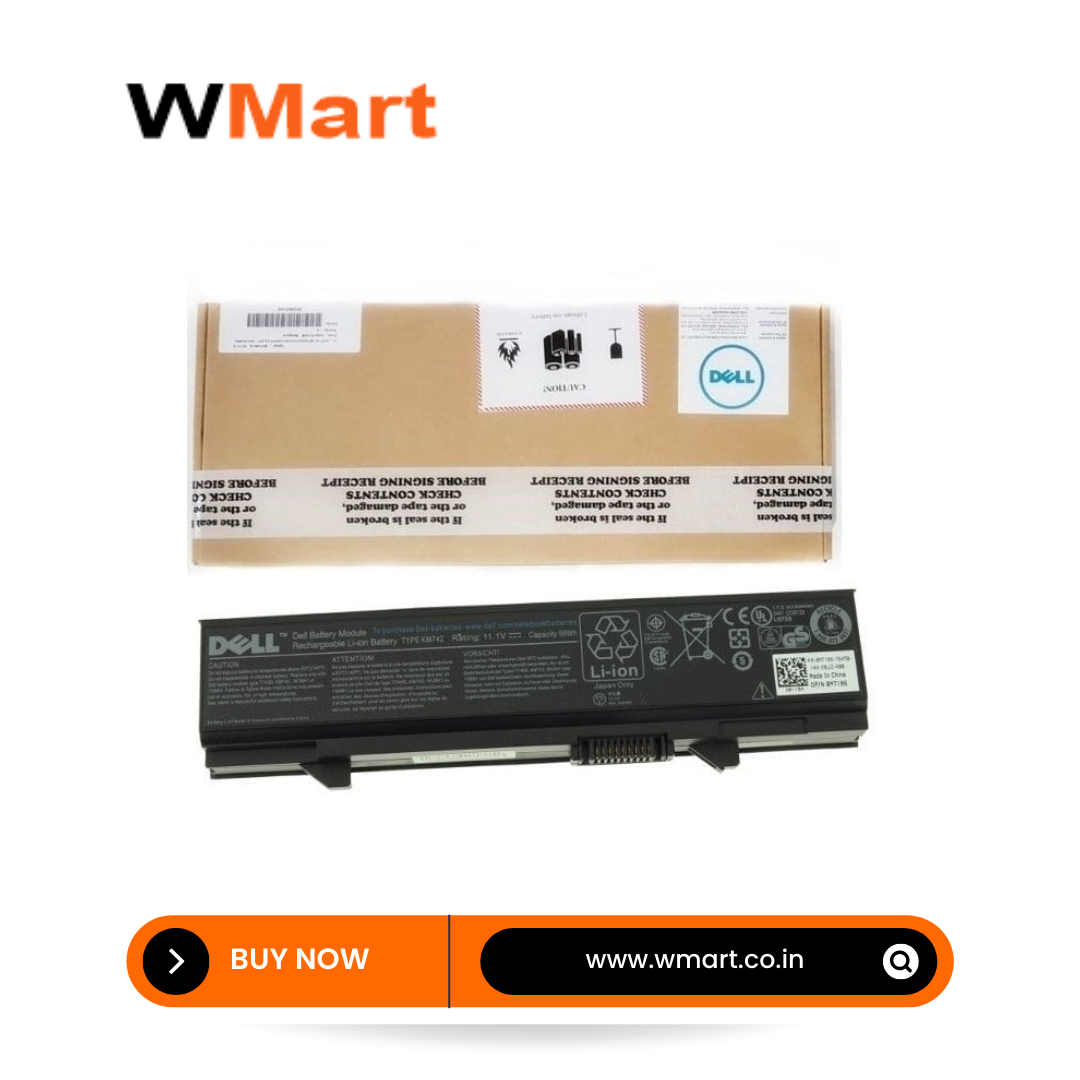
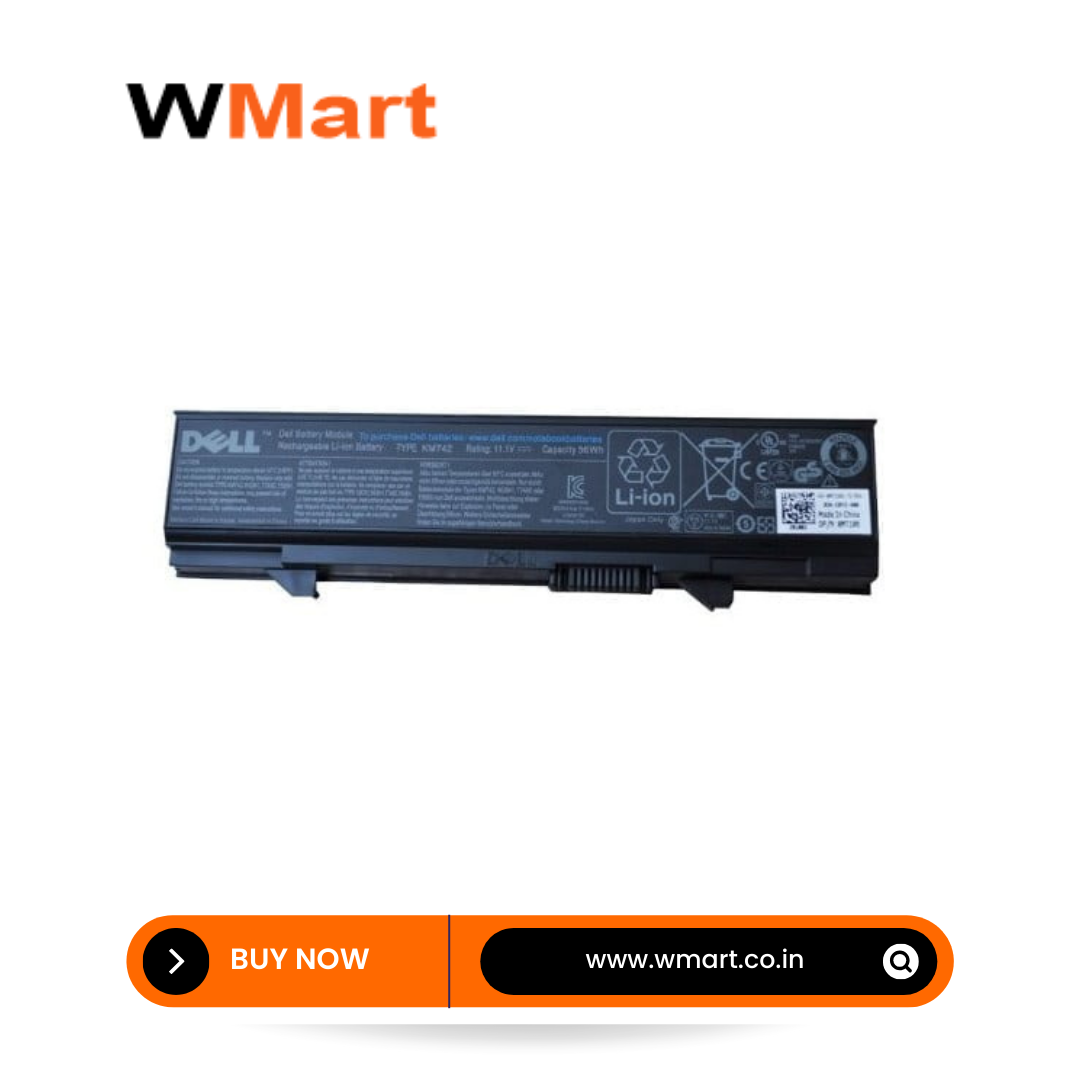
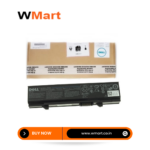
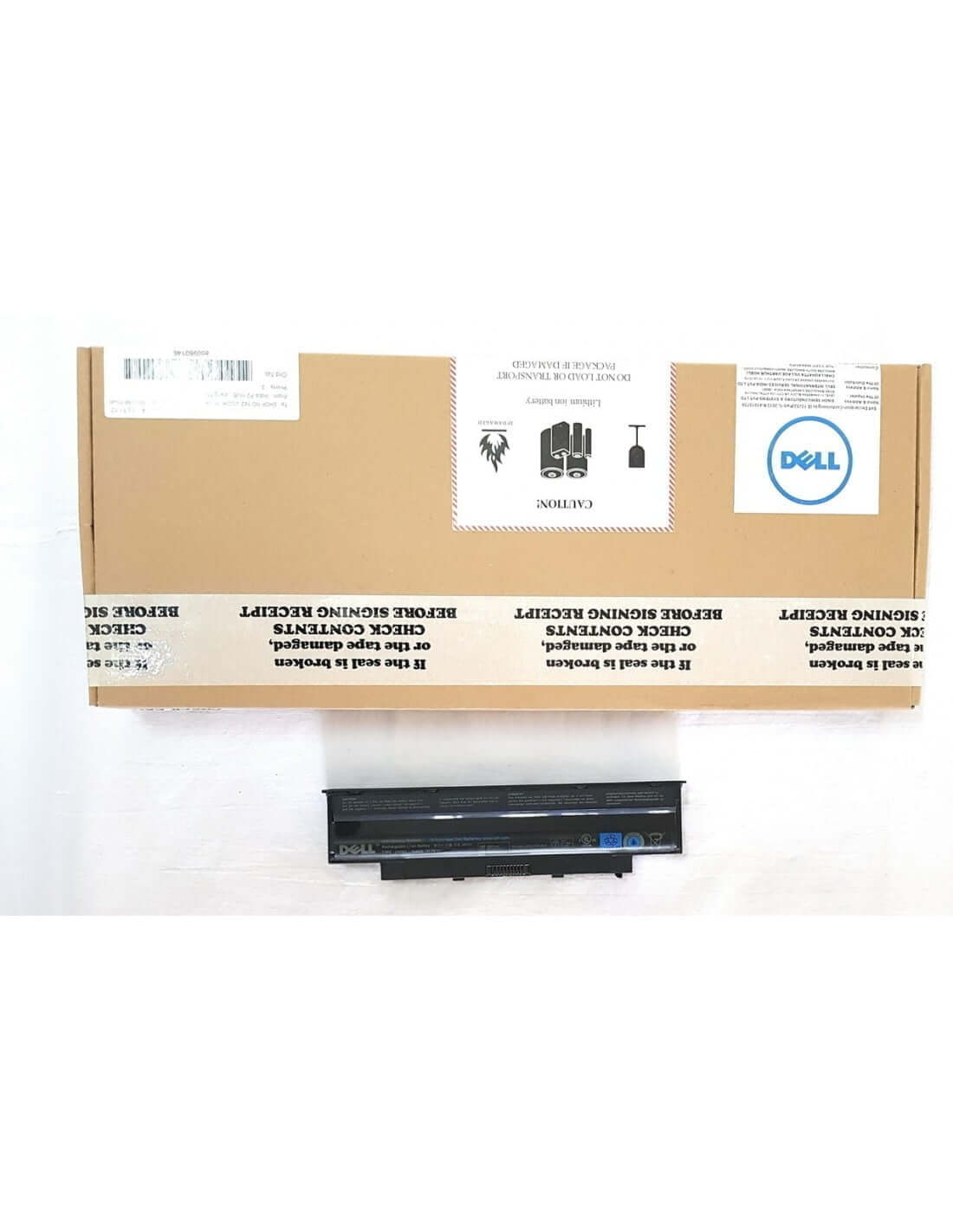
Unleash the full potential of your device with the Original Dell KM742 6-Cell Laptop Battery. Is your Dell Latitude constantly tethered to a power outlet, limiting your productivity and mobility? It's time to reclaim your freedom. Engineered specifically for Dell Latitude E5400 and E5500 models, this genuine 56Wh battery restores the long-lasting power and reliability you depend on. Stop compromising on performance and experience renewed productivity with a power source designed by Dell, for your Dell.
Key Features
- Genuine Dell Product: This is an authentic Dell-branded battery, ensuring 100% compatibility, safety, and optimal performance with your Latitude laptop, unlike generic third-party alternatives.
- High-Capacity 6-Cell Design: Featuring a robust 6-cell configuration, this battery provides an extended runtime, allowing you to work, study, or stream for longer periods between charges.
- Precise Power Rating: With a 56Wh capacity and an 11.1V output, it delivers stable and efficient power, protecting your laptop's sensitive internal components and ensuring consistent performance.
- Perfect Compatibility: Meticulously designed to fit and function perfectly with Dell Latitude E5400 and E5500 series laptops, guaranteeing a seamless and secure connection.
- Built for Longevity: Constructed with high-quality lithium-ion cells that are engineered for a high number of charge cycles, offering you a durable and long-term power solution.
- Integrated Safety Features: Equipped with smart technology to protect against overcharging, overheating, and short-circuiting, providing a safe and reliable power source for you and your device.
- 1-Year Manufacturer Warranty: Enjoy complete peace of mind with a comprehensive 12-month warranty, ensuring your investment is protected.
Benefits and Usage
Restore Your Mobility
The primary benefit of the Dell KM742 battery is the complete restoration of your laptop's portability. Break free from the wall socket and work from a coffee shop, attend back-to-back meetings, or study in the library without the anxiety of a dying battery. This high-capacity unit gives you the power to be productive wherever you go.
Uninterrupted and Reliable Performance
A failing battery can lead to unexpected shutdowns, system lags, and the potential loss of unsaved work. This original Dell battery provides a consistent and dependable power flow, allowing you to focus on your tasks without interruption. It integrates flawlessly with your laptop's power management system for accurate battery life reporting and efficient power usage.
The Genuine Dell Advantage
Choosing a genuine Dell battery means choosing quality you can trust. It guarantees seamless communication between the battery and your laptop, which is crucial for performance optimization and longevity. Avoid the compatibility issues and safety risks associated with non-genuine batteries and invest in a product that meets Dell's rigorous quality and safety standards.
Simple and Secure Installation
Replacing your old battery is a straightforward process. The Dell KM742 is designed for a perfect fit, allowing for a quick, tool-free installation. Simply unlock and remove your old battery, slide the new one into place until it clicks, and power up your newly revitalized laptop.
Additional Information
Product Specifications
- Product Name: W071 D/E5400
- Brand: Dell
- Voltage: 11.1V
- Capacity: 56Wh
- Cell Count: 6-Cell
- Technology: Lithium-Ion
- Warranty: 1 Year Dell India Warranty
- GTIN: 848229037892
- HSN Code: 8507
Full List of Compatible Laptop Models
This battery is designed for, but not limited to, the following Dell Latitude models:
- Dell Latitude E5400
- Dell Latitude E5410
- Dell Latitude E5500
- Dell Latitude E5510
Full List of Compatible Part Numbers
This battery can be used to replace the following Dell part numbers. Please check your original battery to ensure compatibility.
- KM742
- KM668
- KM752
- KM769
- KM970
- MT186
- MT187
- MT193
- MT196
- MT332
- RM668
- RM679
- RM680
- PW640
- PW649
- PW651
- WU841
- WU843
- WU852
- T749D
- U116D
- W071D
- X064D
- P858D
Care and Maintenance
For optimal performance, calibrate the new battery upon first use by fully charging it, then discharging it to 10-15%, and then fully charging it again. Avoid frequent full discharges to prolong its lifespan. If the laptop will not be used for an extended period, store the battery in a cool, dry place with a 50% charge.



 Pick up from the Store
 Free Courier delivery
 BlueDot Air Courier delivery

 10 Days Easy Returns window.
 Free Exchange.

Reviews
Clear filtersThere are no reviews yet.