Breathe New Life into Your Dell Laptop
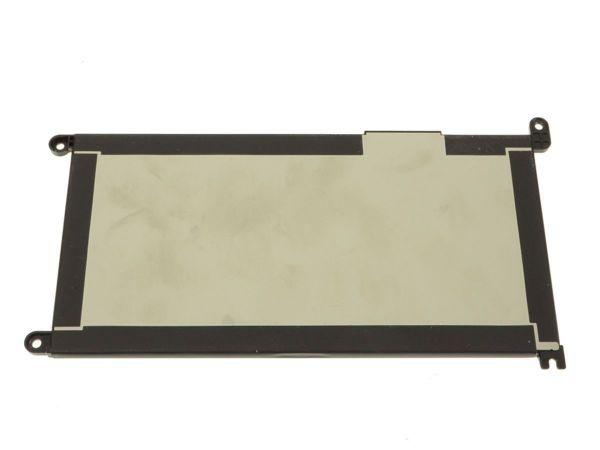
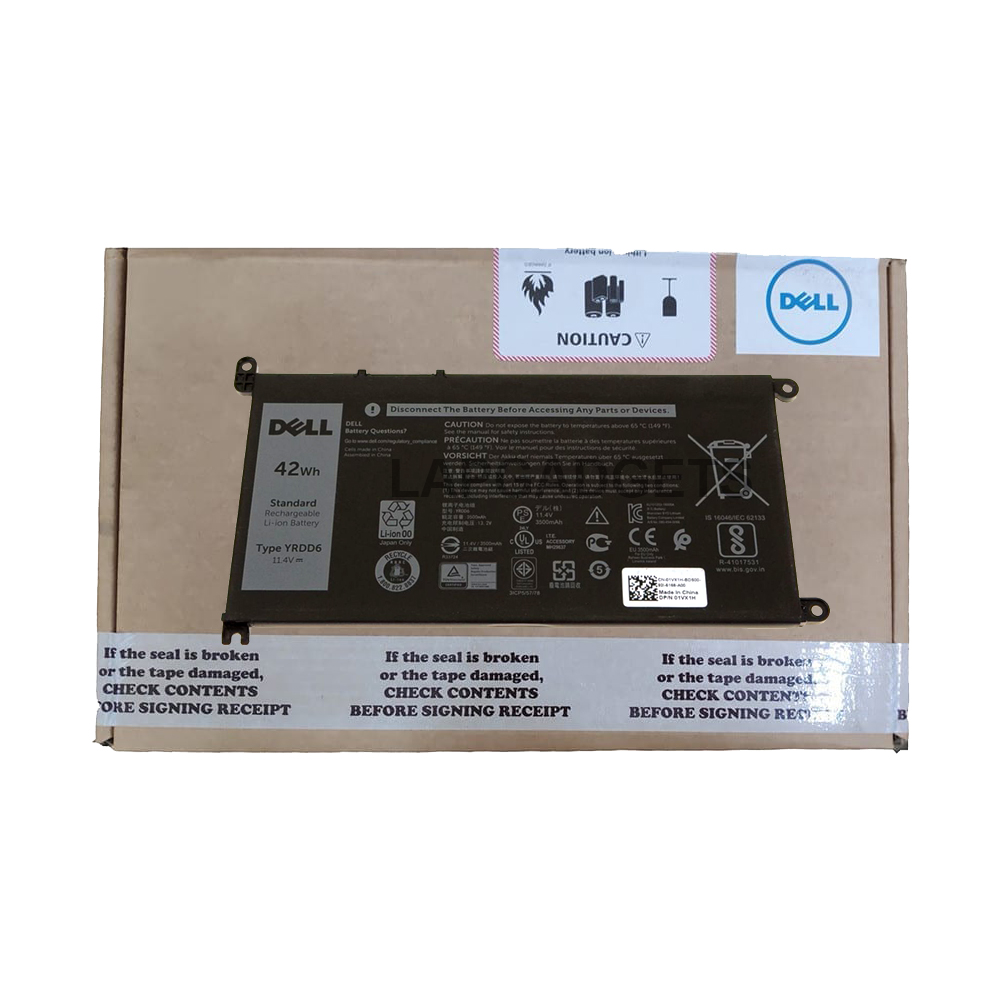
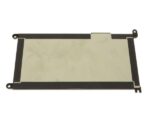
Is your Dell Inspiron or Vostro constantly tethered to the charger? Reclaim your freedom and restore your laptop's original portability with the Dell YRDD6 42Wh Replacement Battery. Designed for perfect compatibility and reliable performance, this battery is the ultimate solution to power you through your entire workday, unplugged. Stop planning your schedule around power outlets and experience the productivity and flexibility you deserve.
Key Features
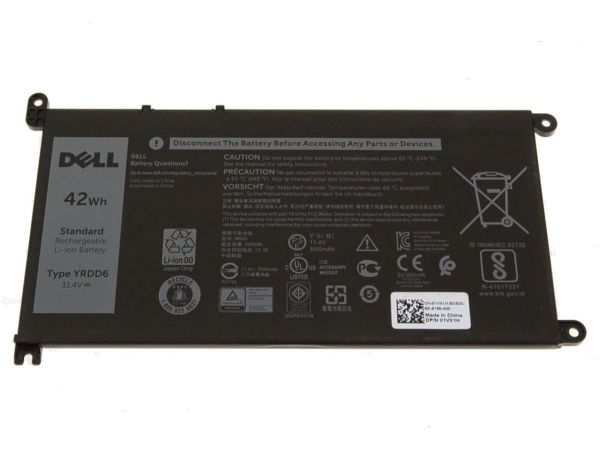
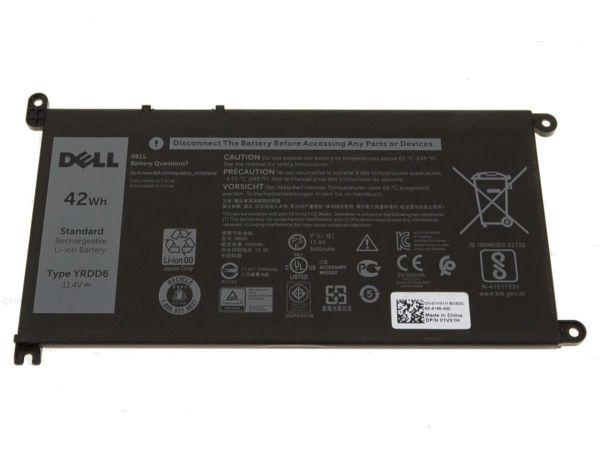
- Product Name: Dell YRDD6 Laptop Battery
- Battery Type: High-Quality Lithium-Ion (Li-ion)
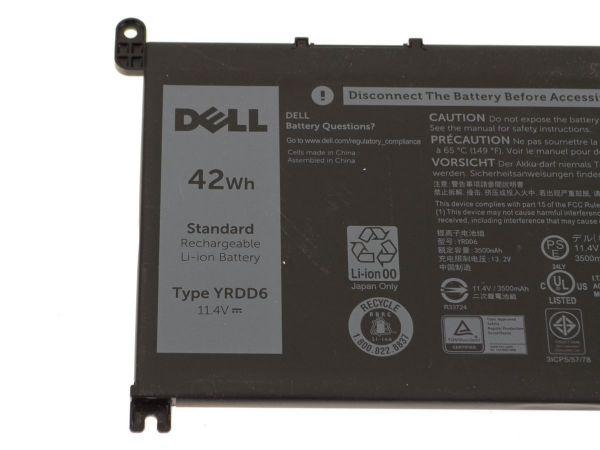
- Capacity: 42 Wh (Watt-hours)
- Voltage: 11.4V
- Condition: Brand New with Grade A Cells
- Compatibility: Precision-engineered for select Dell Inspiron, Vostro, and Latitude models.
- Safety Certified: Features built-in protection against over-charging, over-discharging, short-circuits, and overheating.
- Warranty: Includes a comprehensive 6-Month Replacement Warranty for complete peace of mind.
Restore Unplugged Performance
A failing battery can cripple your productivity. This high-capacity 42Wh battery provides long-lasting, dependable power, allowing you to work, study, or stream from anywhere – the coffee shop, a client meeting, or your couch. Experience the true portability your Dell laptop was designed for and break free from the constraints of the power cord.
Seamless Integration and Reliability
Engineered as a direct replacement for original part numbers YRDD6 and WDX0R, this battery ensures a perfect physical fit and flawless communication with your laptop's power management system. It functions exactly like your original battery, providing accurate charge levels and health status updates within your operating system, so you're never caught by surprise.
A Smart and Sustainable Choice
Don't invest in a brand-new laptop just because the battery is failing. Replacing the battery is a highly cost-effective and environmentally friendly way to extend the life of your trusted Dell machine. This simple upgrade saves you significant money and reduces electronic waste, making it a responsible choice for both your wallet and the planet.
Guaranteed Safety and Peace of Mind
Your device's safety is our top priority. This battery is constructed with premium materials and Grade A cells to ensure longevity and stable performance. The integrated smart circuit protection safeguards your valuable laptop against potential power surges, overheating, and over-current issues, ensuring safe and reliable operation day after day.
Full List of Compatible Laptop Models
This battery is guaranteed to be compatible with the following Dell laptop models. To ensure a perfect fit, please verify that your laptop model is listed below.
Dell Inspiron 13 7000 Series: 7390 2-in-1, 7391 2-in-1 (Note: Only for 2-in-1 convertible models)
Dell Inspiron 14 5000 Series: 5490, 5498
Dell Inspiron 15 5000 Series: 5590, 5598
Dell Vostro 14 5000 Series: 5481, 5490
Dell Vostro 15 5000 Series: 5581, 5590
Dell Latitude 3310 2-in-1
Full List of Compatible Part Numbers
This battery can replace the following original Dell part numbers. For 100% certainty, check the label on your computer's current battery to match one of these codes.
YRDD6
WDX0R
0YRDD6
0WDX0R
T2JX4
FC92N
CYMGM
8YPRW
451-BCFS
451-BCFT
Technical & Product Information
Brand: Dell
Product Name: YRDD6
GTIN: 69605307735537
HSN Code: 8507
Number of Cells: 3-Cell
Technology: Lithium-Ion
What's in the Box
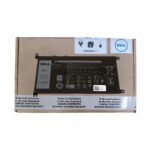
1 x Dell YRDD6 42Wh Laptop Battery (Brand New)
Installation and Care Instructions
Installation: This is an internal battery. Professional installation is recommended if you are not familiar with laptop hardware disassembly. Please ensure the laptop is completely powered off and disconnected from the AC adapter before beginning the replacement process.
First Use Calibration: For optimal performance and accurate battery reporting, calibrate your new battery upon first use. Charge it fully to 100%, then continue charging for an additional 2 hours. After that, use your laptop on battery power until it shuts down automatically. Finally, recharge it back to 100% without interruption. This process helps synchronize the battery with your laptop's power management software.
Battery Longevity Tips: To extend the life of your battery, avoid exposing your laptop to extreme heat or cold. Do not leave the battery in a fully discharged state for extended periods. For long-term storage, it is best to keep the battery at approximately a 50% charge level in a cool, dry place.



 Pick up from the Store
 Free Courier delivery
 BlueDot Air Courier delivery

 10 Days Easy Returns window.
 Free Exchange.

Reviews
Clear filtersThere are no reviews yet.